Map, Compare, Comply
Three steps onto Reg42.
The three steps
-
Map
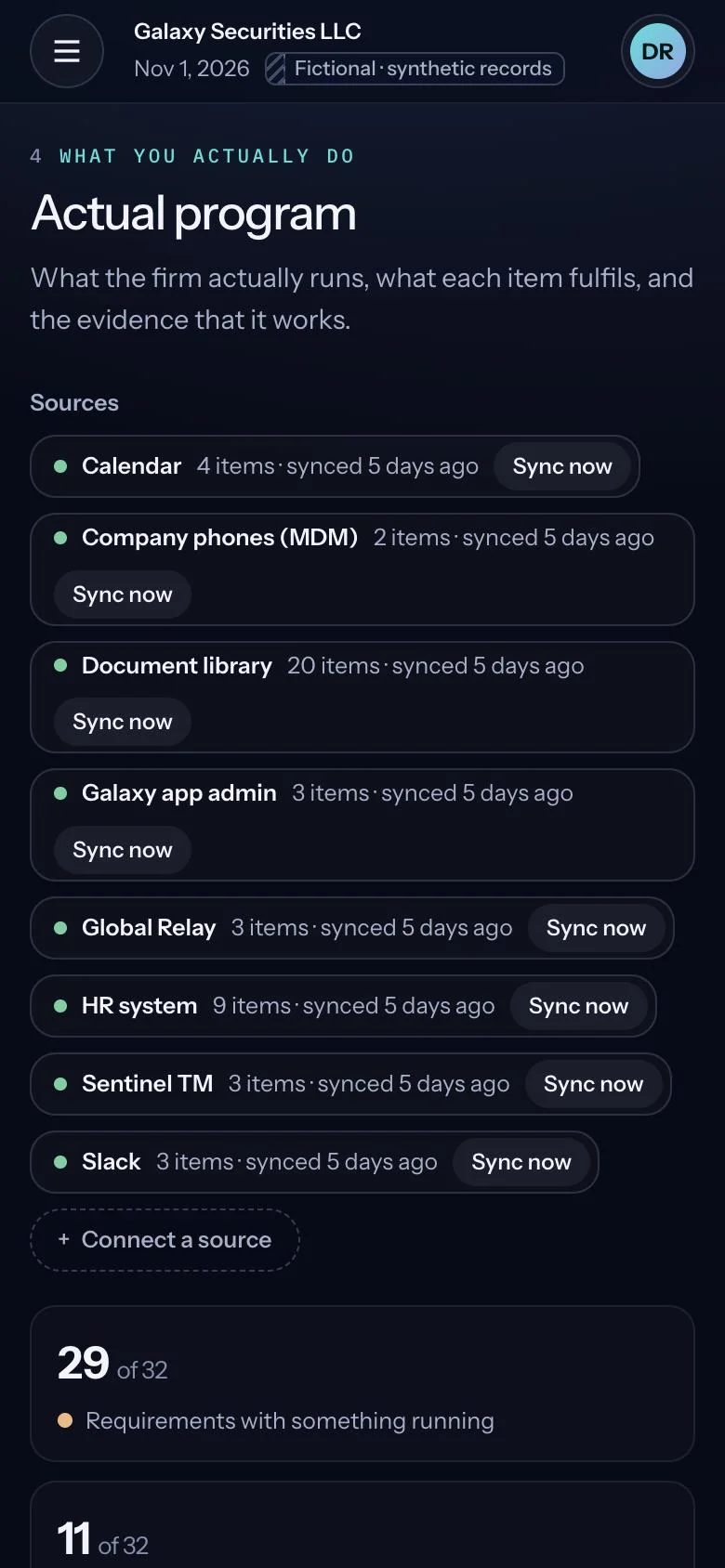
Connect your policies, controls and evidence from Google Drive, Confluence, Jira and Outlook. Solon builds your compliance graph.
Communications standards v5Document storeChat transcripts, archived dailySupport platformApprovals in team chatTeam chat archive -
Compare
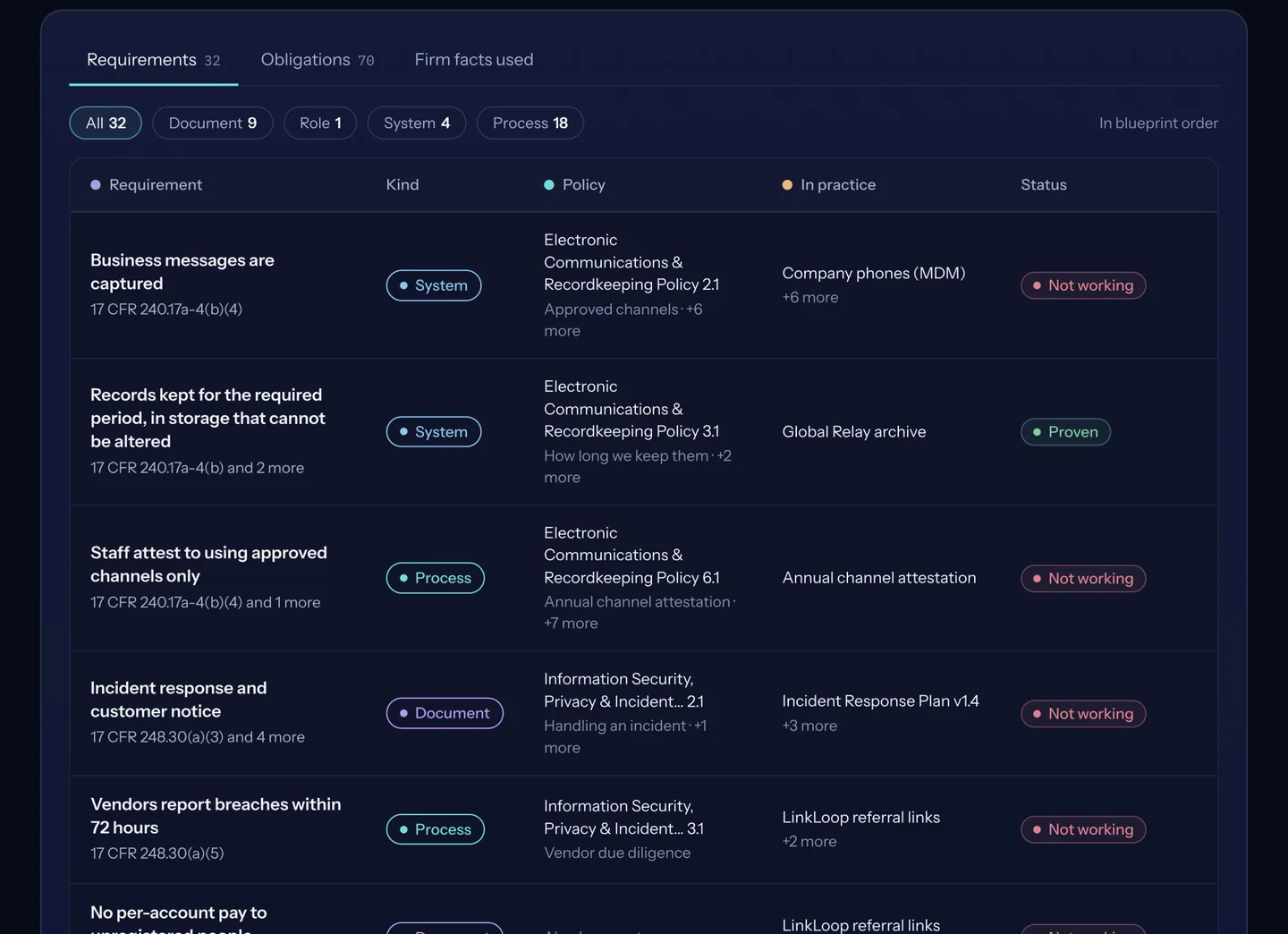
Add the rules that apply, in CLHEAR. See what is covered and what is missing.
Content standards for AI output 2210(d)(1)(A)CoveredPrincipal approval of AI-drafted ads 2210(b)(1)(A)MismatchWhy: approved in chat by marketing, not by a registered principal -
Comply
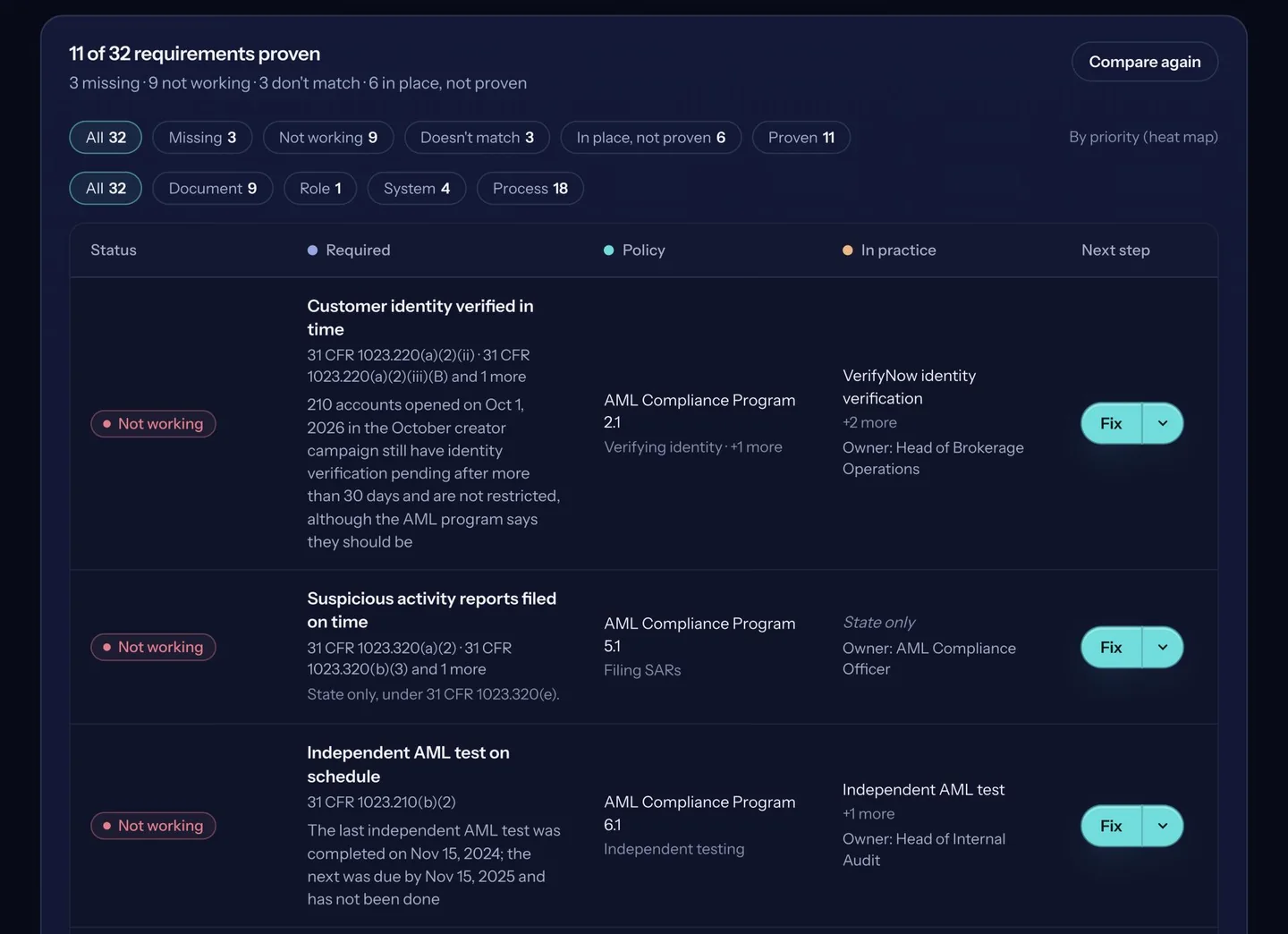
Close each gap with a task and an owner. Every approval is kept as proof.
Route every AI-drafted ad to a registered principalDoneApprover and date archivedSocial media archive, 22 Oct 2026Principal approval of AI-drafted adsCovered
Example data on a fictional firm. The rule references are real.
Ask SolonSee how Solon answers, on a fictional US broker-dealer.
The same steps in the product
Real screens. A fictional firm with synthetic records.
See it on your own domain
Tell us your domain. We will show you Solon on it.